
Sora – text into video in the blink of an eye
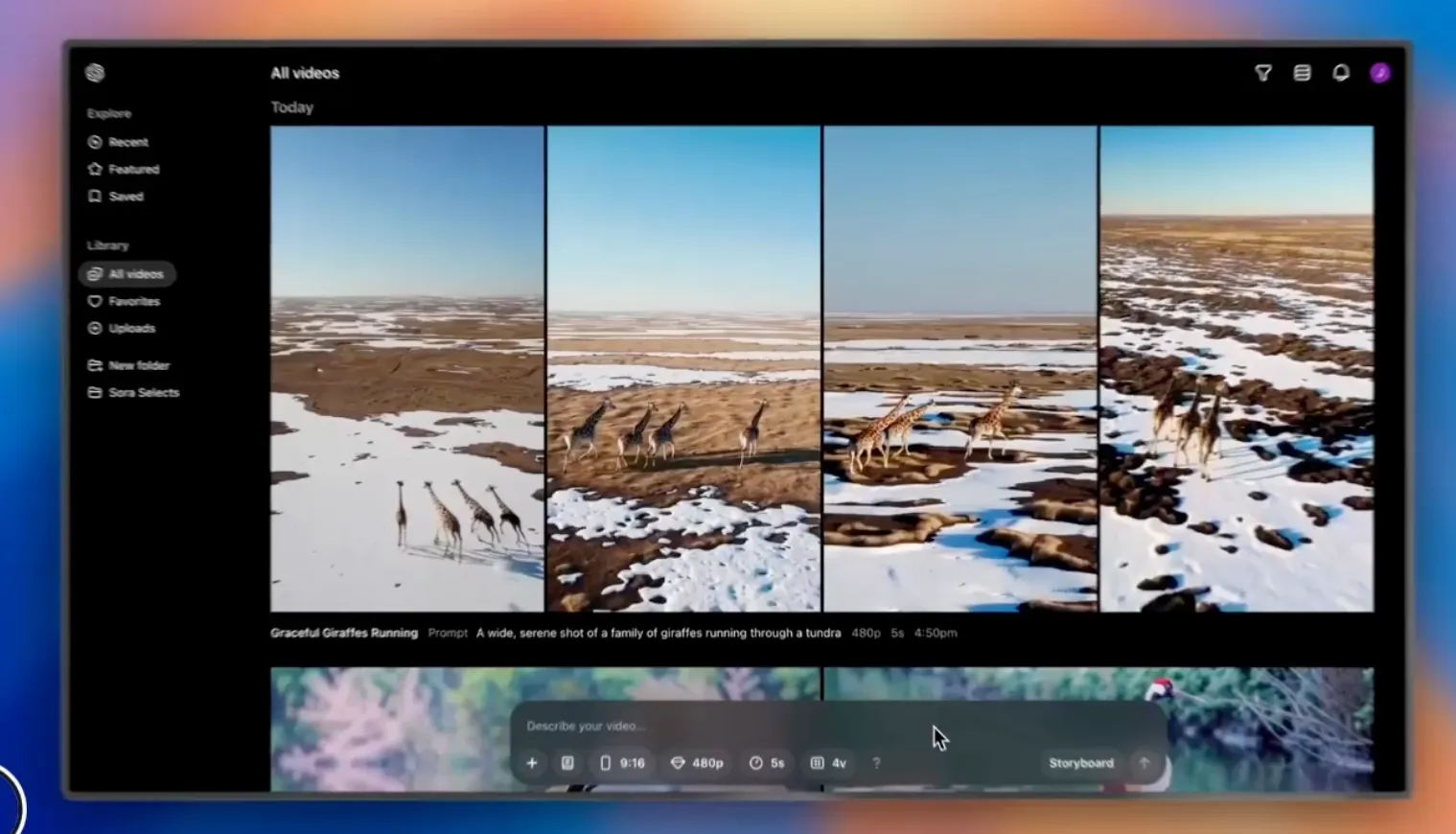
OpenAI’s long-awaited text-to-video tool Sora was released last week. Simplified, it is an AI model that creates video from a text description alone. The user writes what they want to see, and Sora produces a video on that basis — anything from a cartoon to a hyperrealistic portrait.
As I write this on 10 March 2025, the model’s capabilities are still quite limited: you can create 720p videos of at most 5 seconds, for example. The first tests were still enough to convince me, and I don’t have much prior experience of shooting or editing video.
How did I get on with my first short film using Sora?
Here is what I learned from those first experiments:
1. Know Sora’s strengths and weaknesses
Sora can already produce extremely realistic and cinematic scenes, but it is worth knowing its strengths and weaknesses in advance. In my experience they currently break down as follows:
Strengths:
Close-ups of people with subtle expressions and gestures
Slow camera movement and tightly framed compositions
Cinematic lighting and atmospheric environments
Challenges:
Complex movement, such as running or dancing
Long camera moves or dynamic action scenes
Precisely defined narrative continuity without editing
For that reason I ended up making my short films purely to Sora’s strengths — and that is also why the result is so realistic. There are plenty of videos circulating on social media that failed badly; they usually involve too many elements and too much movement.
2. Start with a strong visual idea
First imagine the mood or story you want to tell, and build your prompt around it. For the short film The Edge of Us, for example, I wanted to depict a quiet connection between strangers, so I chose a visually powerful environment — the rugged coast of Scotland.
Tip: start by looking for inspiration in films, photographs, or other art forms. Which elements make them striking?
3. Iteration is the key to success
Sora does not always produce a perfect result on the first attempt. On The Edge of Us I used dozens of attempts to get the style and mood I wanted. At first I also had it automatically create two different versions of each video — an option you can select in Sora’s control panel. I dropped that quickly, though, because I was afraid it would burn through my credits too fast.
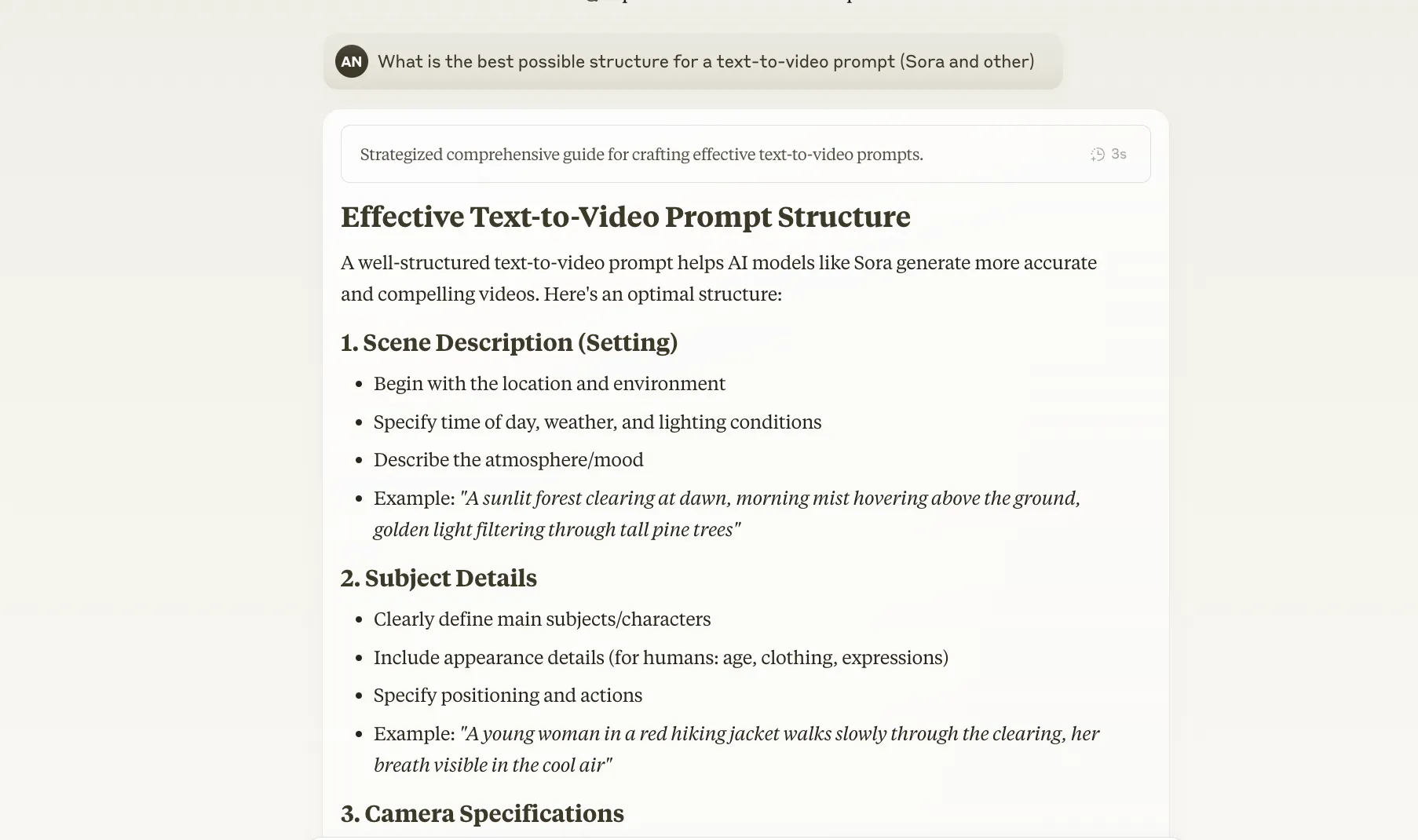
My most important tip is that the prompts you feed Sora are worth iterating with your chosen AI tool, such as Claude or ChatGPT. Concentrate on the following:
Use AI to create the best possible prompt. For people, for example, you can ask it to create several prompts describing different people in the same environment — which is what I did.
Test different camera angles, lighting, and compositions.
Try fine-tuning your prompt with small changes (e.g. “soft cinematic lighting” vs. “dramatic moody lighting”).
If something doesn’t work, change your approach. Don’t get stuck on one idea if Sora’s limitations won’t allow it.
4. Generate a big batch of videos with Sora and see where it is at its best
Once you have created a batch of prompts with AI, it’s time to test them. Feed them to Sora with different settings, such as different aspect ratios, and see what Sora does best. As you start to recognise its strengths, focus on those and create more videos with the same prompt structure and settings — if your goal is a video with a consistent mood.
5. Use other tools for the finish
Sora cannot, at least not yet, edit your videos into a coherent whole; you need other tools to support that. In my case the scenes Sora created were already very cinematic, so I didn’t even need to do colour grading. I did want to enrich the stitched-together clips with sound. I used the following tools for editing and finishing:
Sound: I used ElevenLabs to produce a Scottish voice-over and background sound, such as the wash of the sea. ElevenLabs is unquestionably the best AI tool on the market for creating audio, and I’d recommend anyone interested to try it. You can create 5 minutes of material free each month.
Editing: I assembled the final film in CapCut, where I also added automatic subtitles. CapCut has excellent AI features too, but I didn’t use them for this video.
Don’t be afraid to combine tools — Sora is great in itself, but other tools help lift the project to the next level, both in the text-to-video prompts and in finishing the video.
Finally: is Sora a disappointment?
Let’s be honest — Sora is not yet perfect. It is in fact very far from it. Most of the videos Sora produces are either incoherent or otherwise unusable. Behind those limitations, though, lies something genuinely exciting, and every experiment with Sora moves the technology forward. The idea that you can already make video from text this effectively is, to me, somehow completely incomprehensible. It shouldn’t be taken for granted.
So no, I don’t think Sora is a disappointment. It is an astonishing step forward in the history of technology.